Updated: November 22, 2026
The person behind the monitors
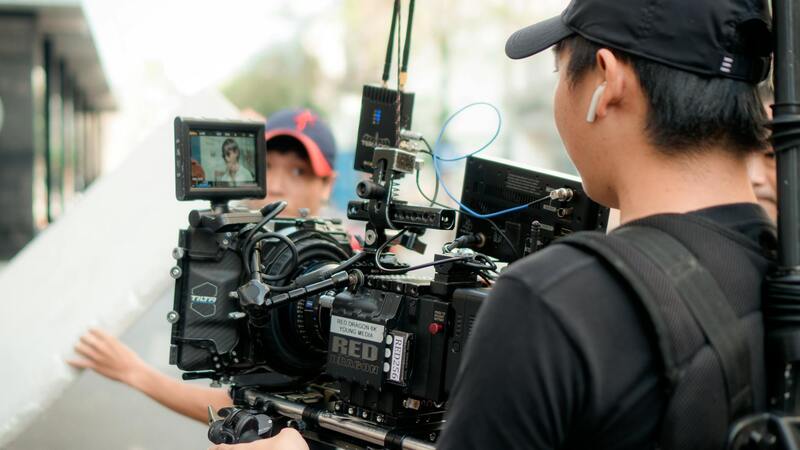
On a larger Miami video shoot, you may notice a pop-up tent set a little way from the camera, with chairs, a few monitors, headsets and an agency team looking at a screen. That area is called video village, and the crew member who makes it work is the video assist operator, sometimes called the VTR operator or playback operator.
The job sounds simple: get the camera picture to the people who need to see it. In practice, it means building a small broadcast system in a parking lot on Miami Beach, keeping it alive through heat and humidity, recording every take so anyone can review it, and doing all of that without slowing down the shot. This guide explains what the role involves, when a project needs one, how a producer books it and how to set up a village that helps the day along.
What a video assist operator does on set
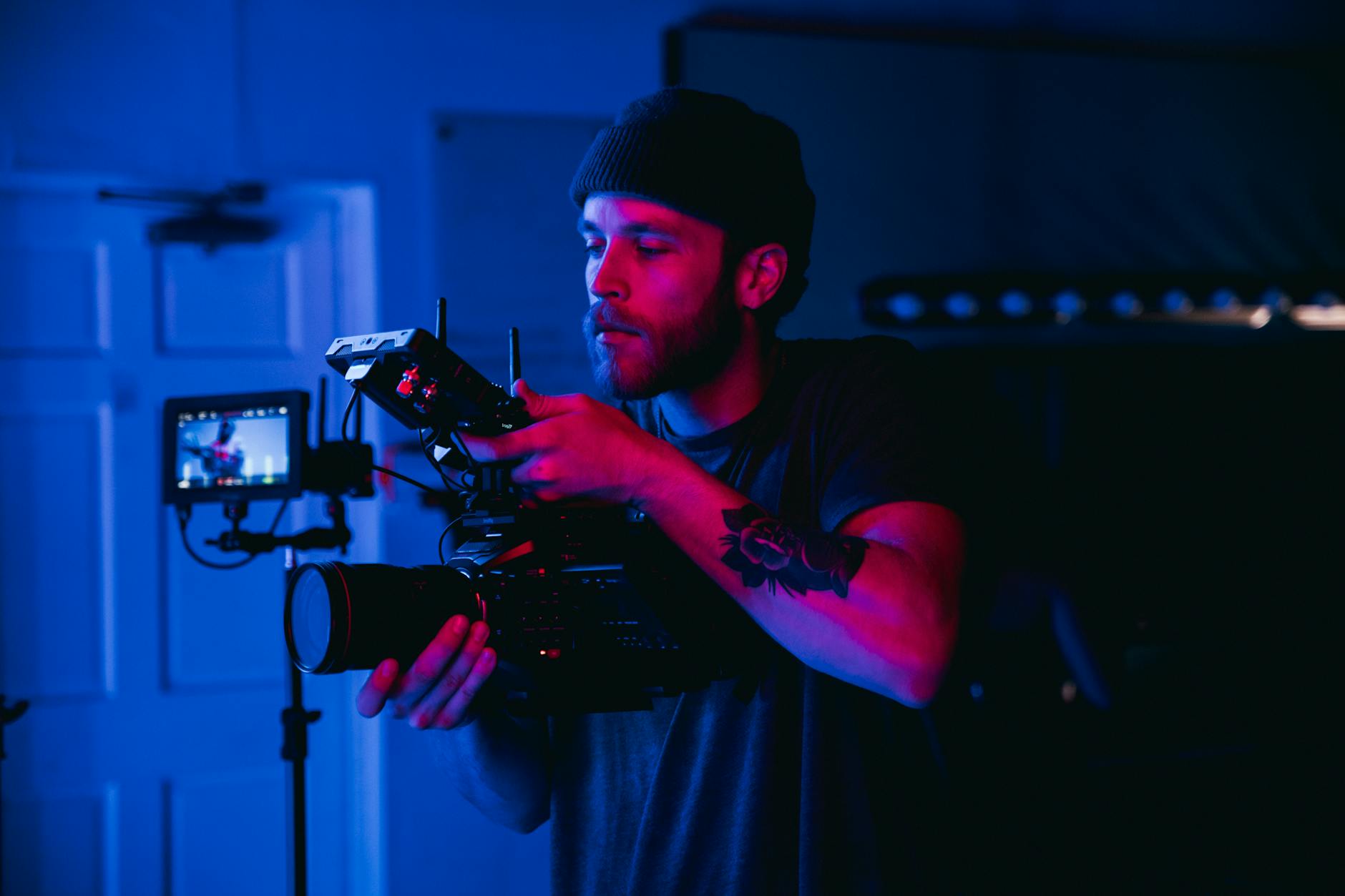
The operator takes the video signal from each camera, usually over SDI cable or a wireless link, and routes it to the director's monitor, client monitors and anywhere else on set that needs a picture. Most operators also record every take on a dedicated system, with QTake being a common professional choice, so the director can call for playback within seconds.
A typical day includes:
- Building the monitor stations and distributing signal to the director, DP, script supervisor and client area
- Recording and labeling takes with scene and take numbers, and cueing up playback when asked
- Pulling a mix of two or more cameras into one split view for multi-camera work
- Applying a viewing LUT from the camera team so clients see a picture that resembles the planned look
- Comparing the current shot to an earlier one, or overlaying them, to check a match
- Providing the audio feed for headsets, often with help from the sound team
- Moving the entire setup when the company moves to a new location
The operator also works closely with the script supervisor, who depends on playback to check continuity and to confirm which take the director preferred.
Do you actually need one?
Many Miami shoots don't. A two-person interview crew with a client standing behind a five-inch monitor needs no playback system. The role earns its place when several people have to see the picture and make decisions from a distance, or when the shot itself makes it hard to stand next to the camera.
| Shoot type | Video assist? |
|---|---|
| Corporate interview, one camera | Rarely. A wireless monitor or a tablet feed is enough |
| Small brand film with a client on set | Sometimes. One extra monitor run by the camera assistant may do the job |
| TV commercial with agency and client teams | Usually, because several people approve shots |
| Multi-camera scenes or stunts | Usually, for split views and instant review |
| Scenes on a boat, in a car or on a crane | Often, since the director can't be beside the lens |
Look at how the job fits your crew size before you add it. On a smaller shoot, the camera assistant can run a wireless link to a monitor, and that extra job comes at the cost of attention on focus and lenses. Treat it as a decision and not as a default.
Booking the role
Video assist is normally booked as a day rate plus a kit fee for the system, including monitors, recorder, wireless links, cabling and power distribution. Prices depend on the size of the package, so get quotes based on your actual requirements. Before calling around, have these answers ready:
- How many cameras need to be recorded and viewed
- How many monitor positions you need, and how far apart they are
- Whether anyone needs a remote feed, for example a client watching from New York or São Paulo
- Whether the shot moves, such as on a boat or a process trailer, and how the signal travels
- Whether you need a viewing LUT and who supplies it
- Whether the takes should leave the set with the production, and on what drive
Also ask whether the operator is bringing their own sun tent and chairs or whether production supplies them. It seems minor until the morning of the shoot, when everyone assumes someone else has it.
Remote clients and streaming feeds
Remote viewing has become a common request, particularly with international clients and agencies. An operator can often send a low-latency, password-protected stream, and a producer should treat that as a separate line item in the plan. It depends on a stable connection that a beach, marina or remote location may not offer, so test it during the scout and plan a backup, such as a dedicated cellular bonding unit.
Running video village in Miami conditions
Miami is hard on this gear and hard on the people sitting around it. A few things to plan for:
- Sun on screens: a monitor in direct light is useless. Use a blacked-out tent, or at least a proper hood. Facing the opening away from the sun helps as the day moves.
- Heat: electronics and clients both need shade and airflow. Plan fans, water and a spot in the air-conditioned holding area if the temperature climbs.
- Humidity and rain: afternoon storms arrive quickly. The operator needs a fast plan to cover the kit and a cable route that stays out of puddles.
- RF congestion: wireless video can struggle in crowded parts of Brickell, Wynwood and South Beach. Run cable where you can.
- Power: confirm whether the system has a separate clean source so it doesn't drop when a light goes on. Your set safety plan should cover cables, water and generator placement too.
Keeping the village from slowing the shoot
A village brings decisions closer, but it can also multiply them. Producers can protect the schedule with a few habits. Name one person who gives client notes to the director, so the set doesn't hear from everybody. Agree that notes come between setups, unless it is something urgent like a wrong product or a legal issue. Keep the tent far enough from the set that a conversation won't end up on the sound recording.
Headsets deserve a word too. Clients who can hear the talent's mic can follow the performance, though they should also know that people on set may be overheard, so nobody says anything in the tent they would mind someone else hearing. Also remember that a monitor shows what the camera is recording, and that a picture graded later won't look exactly like the viewing LUT. Say so at the start of the day, and you can avoid a long debate about color, which belongs in the finishing stage.
Last, keep an eye on the director of photography and their monitor needs. They may want a separate calibrated picture close to the camera, and the operator can provide one from the same system. Sort that out at the prep meeting and not while the light is fading.
How we plan video assist on Miami shoots
At Miami Video Producers, we scale playback to the job. For a small brand film, that might be a single wireless monitor for the client. For a commercial with an agency on set, we book an experienced operator, build a shaded village, plan for remote viewers and give the client a single point of contact. We sort out the power, the wireless plan and the storm backup during prep so you can watch and make decisions on the day.
If your team will be on set and you want to see every take clearly, tell us who needs to watch and from where, and we will suggest the right setup for your budget. You can read more crew guides on the Miami Video Producers blog.